

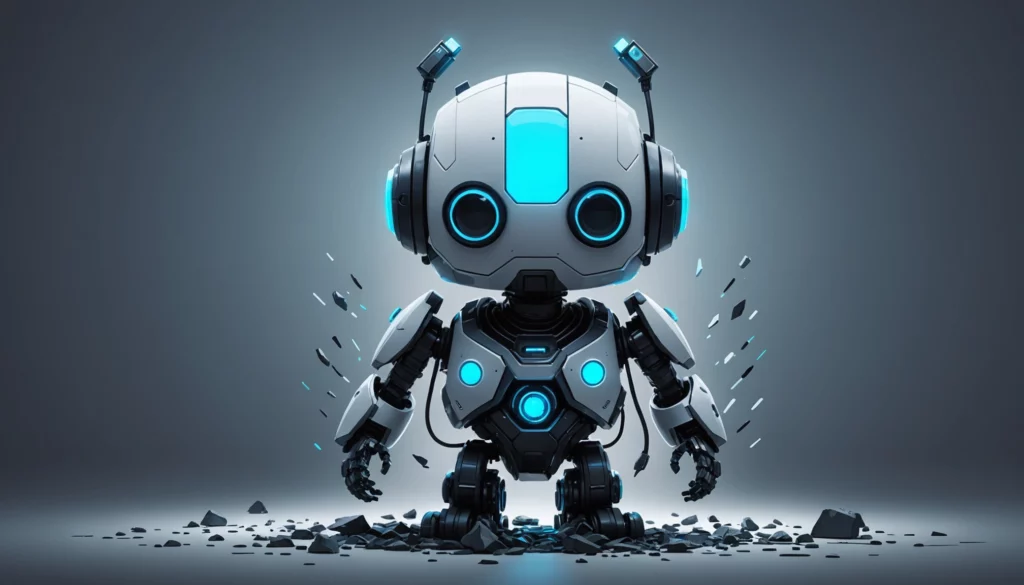
The world of digital product design is moving faster than ever, and AI engines are now leading the charge. When I look at how design teams work today versus just a few short years ago, the difference is staggering. You’re no longer limited by technical skill or time constraints—these AI tools handle the heavy lifting while you focus on creativity.
## Why AI Tools Are Transforming Design Workflows
Remember those late nights wrestling with design iterations? Those days are fading fast. AI engines have become your creative partners, handling everything from rapid prototyping to sophisticated user testing. I’ve found that the smartest design teams aren’t using these tools to replace designers—they’re using them to amplify creative potential. The real advantage lies in how these systems learn your preferences and adapt to your design language over time.
Strategic Highlight: The most successful implementations I’ve seen use AI tools as creative augmentations, not replacements. Think of these systems as your design apprentices that work 24/7 without coffee breaks.
## The 20 Best AI Engines You Should Know
### 1. DesignSprint AI
This powerhouse machine handles rapid prototyping like nothing else. You throw in a rough concept, and it spits out polished interface variations within minutes. What makes DesignSprint AI special is its ability to maintain design consistency across multiple screens—a persistent headache for most product teams.
Key Observation: Teams using DesignSprint AI report cutting their initial design phase by up to 60%, allowing more time for user feedback and refinement.
### 2. PixelPerfect Pro
Imagine having an expert designer review your work instantly. PixelPerfect Pro analyzes your layouts for visual hierarchy, balance, and alignment issues. It’s like having that annoyingly meticulous colleague—the one who catches everything—available at all hours. In my experience, this tool has saved countless client meetings by eliminating obvious problems before they make it to presentation.
### 3. ColorHue Genius
Finding the perfect color palette used to take hours of browsing and inspiration hunting. ColorHue Genius generates contextual color schemes based on your brand identity and target audience psychology. I’ve seen it rescue projects stuck in endless color debate sessions. The tool even accounts for accessibility standards automatically—a detail many teams overlook until it’s too late.
### 4. FlowMap Designer
User journey mapping becomes intuitive with FlowMap Designer. Simply describe your ideal user flow in plain language, and watch as the AI creates comprehensive journey maps with touchpoints and emotional states. We’ve found this particularly valuable during stakeholder meetings where visualizing complex processes makes all the difference.
### 5. Textura AI
Typography selection can make or break a design. Textura AI analyzes your content and brand personality to recommend font pairings that enhance readability while maintaining character. Quick Win: Use its readability scores to justify typography choices to clients who focus purely on aesthetics.
Design System Consistency
Challenge: Maintaining consistent design patterns across multiple products
AI Solution
Tools like PatternForge AI analyze your existing designs and suggest reusable components to build cohesive design systems
### 6. MotionCraft
Animation creation without complex timelines? Yes, please. MotionCraft transforms static designs into smooth, meaningful micro-interactions based on best practices from thousands of successful apps. What I love about this tool is how it understands context—subtle hover states versus dramatic transitions, each perfectly tailored to the user situation.
### 7. AccessWise
Accessibility testing no longer needs to be a scary checklist at the end of your project. AccessWise integrates seamlessly into your design process, flagging potential issues as you work. It’s particularly clever about color contrast and screen reader optimization—two areas where even experienced designers slip up.
### 8. PersonaForge
Creating realistic user personas just became easier. Feed PersonaForge basic demographic information, and watch as it builds detailed profiles with motivations, pain points, and technology preferences. Insider Observation: The most effective personas blend AI-generated insights with real user research—don’t rely on either exclusively.
### 9. LayoutOptimizer
This AI engine rearranges your elements for maximum impact. LayoutOptimizer considers conversion data, eye-tracking studies, and design principles to suggest layout improvements. It’s particularly valuable for responsive design—the headache of making one design work across multiple devices becomes manageable with this tool in your corner.
### 10. FontScribe
Struggling with readable text across different screen sizes? FontScribe automatically adjusts sizing, line height, and spacing based on context and user behavior patterns. What sets it apart is how it learns from actual usage data rather than relying solely on theoretical best practices.
### 11. IconIntelligence
Custom icon creation without endless sketch iterations. IconIntelligence generates icon sets that match your brand style perfectly. I’ve found it particularly useful for industries where standard iconography doesn’t quite fit—try finding an icon for “blockchain validation” in standard libraries, and you’ll see what I mean.
### 12. TestVision AI
Predictive user testing eliminates the guesswork from design decisions. TestVision AI simulates how users might interact with your designs, identifying potential friction points before development begins. This tool has saved countless projects from costly reworks by catching issues in the earliest stages.
Design Efficiency Metrics
Before AI Integration: 40 hours for initial product design concept
Design Efficiency Metrics
After AI Integration: 15 hours for comprehensive concept with multiple variations
### 13. BrandHarmony
Maintaining visual consistency across growing product lines can become chaotic. BrandHarmony acts as your brand guardian, ensuring every design stays true to established guidelines while allowing for needed innovation. It’s particularly useful for organizations with multiple design teams or external agencies.
### 14. DeviceAdapt Pro
Responsive design headaches? Consider them solved. DeviceAdapt Pro automatically generates optimized layouts for any screen size or device type. What impresses me most is how it considers not just screen dimensions but also usage context—creating different layouts for the same device based on whether users are likely to be stationary or moving.
### 15. ClickMap Forecaster
Understanding user behavior before launching can save months of optimization cycles. ClickMap Forecaster analyzes your designs and predicts how users will navigate through your product, highlighting potential confusion points and optimization opportunities. It’s like having crystal ball insights for user experience design.
### 16. ContentFlow AI
Sometimes the perfect design falls apart when real content enters the picture. ContentFlow AI generates realistic placeholder content that matches your actual content structure, helping you identify layout issues early. Quick Win: Use this tool to test edge cases—what happens when product names are unusually long or when user-generated content varies wildly in length?
### 17. ElementCraft
Need to design custom UI components without starting from scratch? ElementCraft analyzes your existing design patterns and creates consistent new components that fit seamlessly into your design system. I’ve seen teams cut their component creation time by more than half using this approach.
### 18. ImpressionLens
First impressions matter, and this AI engine helps you nail them. ImpressionLens evaluates your designs from multiple psychological angles—trustworthiness, professionalism, innovation—based on visual cues proven to influence perception. It’s amazing how small adjustments, guided by these insights, can dramatically change how users perceive your product.
### 19. Novassium
Our team has been particularly impressed withNovassium’s text to image generator for creating unique product illustrations and design elements. What sets it apart is how it understands design context, generating visuals that complement rather than compete with your interface elements. We’ve used it extensively for hero sections and feature illustrations where custom photography would be prohibitively expensive.
### 20. ConversionCatalyst
Ultimately, designs need to drive business results. ConversionCatalyst analyzes your interface through a conversion optimization lens, suggesting changes that have been proven to improve user actions—from signup rates to purchase completion. The tool’s strength lies in its comprehensive database of test results across various industries, providing recommendations backed by real performance data.
## Making the Right Choices for Your Team
With twenty powerful options, where do you even start? The truth is, you don’t need all of them. I’ve watched teams get overwhelmed by trying to implement too many new tools simultaneously. The smartest approach involves identifying your biggest design bottlenecks first.
Are you struggling with user testing? Start with TestVision AI. Is responsive design keeping you up at night? DeviceAdapt Pro might be your lifesaver. The key is choosing tools that solve actual problems rather than collecting the most impressive-sounding AI engines.
Questions to consider: Which part of your design workflow currently consumes the most time with the least satisfying results? Where do your designs typically fall short during user feedback sessions? Answering these honestly helps pinpoint which AI engines will deliver immediate value.
Remember, the goal isn’t to replace human creativity—it’s to amplify it. These tools handle the repetitive and technical aspects, freeing you to focus on the strategic thinking and innovative solutions that truly impact users. When we help clients implement these systems, we always start with a comprehensive audit of their current process to identify the highest-impact opportunities for AI integration.
## Pro Advice
Start small, measure everything, and stay focused on user value rather than technology for its own sake. The most successful design teams we work with approach AI implementation methodically, selecting one or two tools that address their biggest pain points, then expanding as they see results. Remember that these tools should enhance, not complicate, your creative process. The right AI engine feels less like adding another software package and more like gaining an incredibly talented team member who never gets tired.
What’s the next step for your design team? Perhaps it’s time to explore how these AI engines might transform your workflow. Consider starting with a pilot project—choose one tool and apply it to a smaller product feature to evaluate its impact. You might be surprised at how quickly these systems become indispensable parts of your creative toolkit.

